Installation
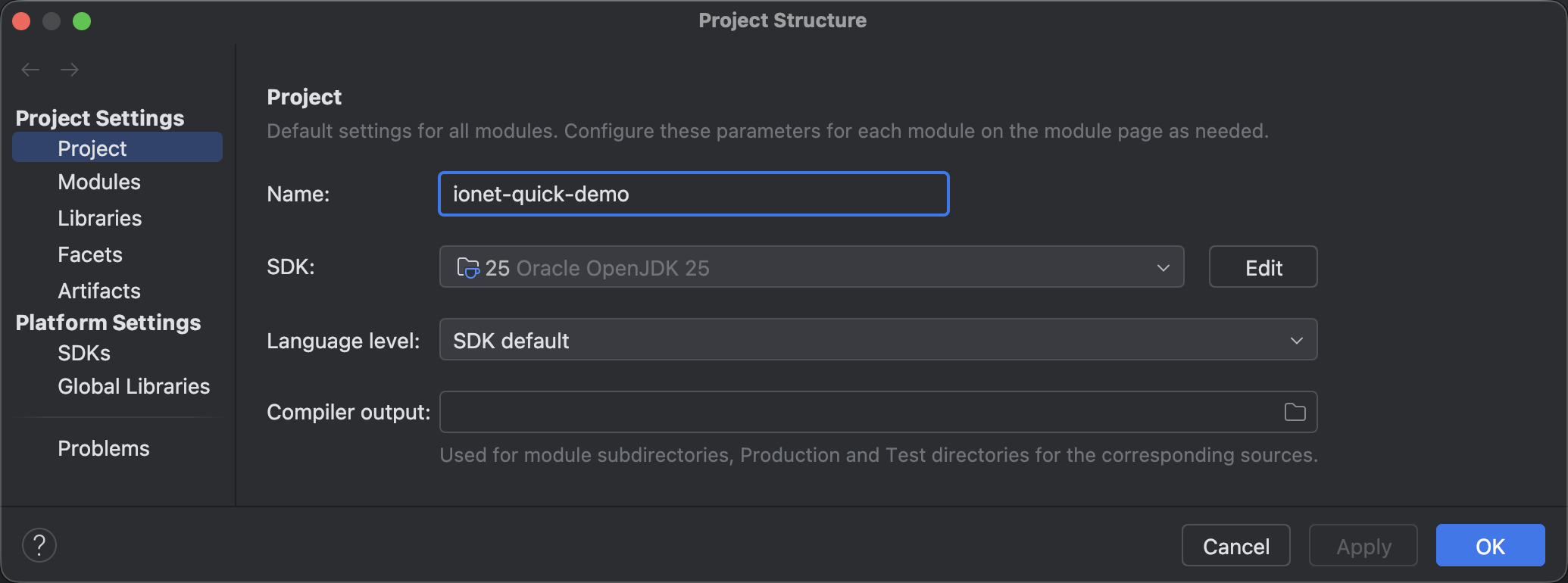
Install JDK and Maven
After installation, verify in your terminal:
Apache Maven 3.9.11 (3e54c93a704957b63ee3494413a2b544fd3d825b)
Maven home: /usr/local/Cellar/maven/3.9.11/libexec
Java version: 25, vendor: Oracle Corporation, runtime: /Library/Java/JavaVirtualMachines/jdk-25.jdk/Contents/Home
Default locale: zh_CN_#Hans, platform encoding: UTF-8
OS name: "mac os x", version: "26.0.1", arch: "x86_64", family: "mac"
Install IntelliJ IDEA
https://www.jetbrains.com/idea
tip
Use IntelliJ IDEA Community Edition >= 2025.2.4.
Configure pom.xml
Add ionet to your project and set the version:
Latest version: https://central.sonatype.com/artifact/com.iohao.net/run-one

pom.xml
<dependency>
    <groupId>com.iohao.net</groupId>
    <artifactId>run-one</artifactId>
    <version>${ionet.version}</version>
</dependency>
warning
ionet is published to Maven Central. If you cannot download the latest artifacts, use a direct Maven Central mirror or Tencent Cloud mirror.
Tencent Cloud Maven mirror
Add mirrors in settings.xml:
settings.xml
<mirrors>
  <mirror>
      <id>tencent</id>
      <name>tencent maven</name>
      <url>http://mirrors.cloud.tencent.com/nexus/repository/maven-public/</url>
      <mirrorOf>central</mirrorOf>
    </mirror>
    <mirror>
      <id>repo1</id>
      <name>repo1 maven</name>
      <url>https://repo1.maven.org/maven2/</url>
      <mirrorOf>central</mirrorOf>
    </mirror>
</mirrors>
Local Framework Installation
If you want to try unreleased features or fixes, install ionet from source locally.
Clone the repository:
git clone https://github.com/iohao/ionet.git
Enter the source directory and install:
mvnd install
tip
If mvnd is not installed, use mvn instead.