Unity TCP 移动示例
提示
示例由热心市民提供,贡献者:Seiryuu..
Example Source Code
| github | |
|---|---|
| unity | https://github.com/iohao/ioGame-mmo-movement-unity |
| server | https://github.com/iohao/ioGame-mmo-movement |
介绍
unity + ioGame ,使用 tcp 通信。
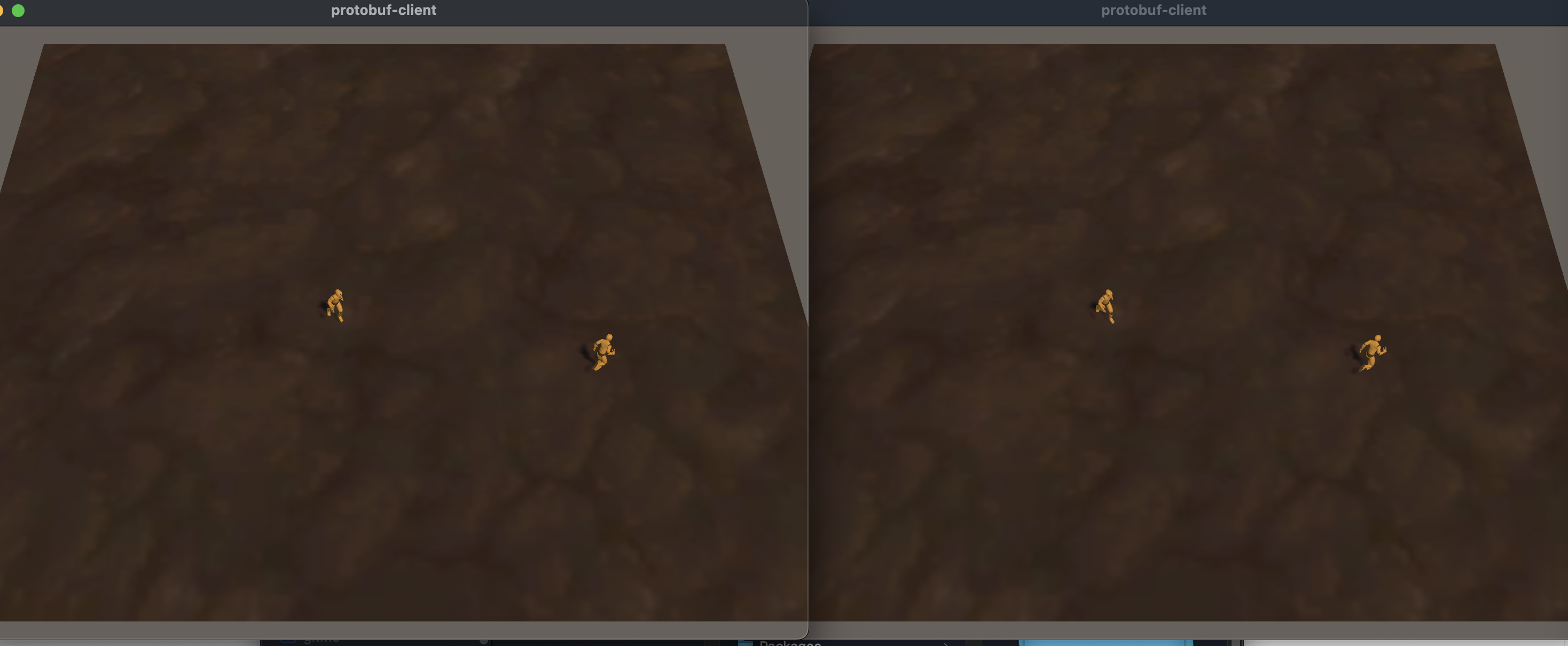
演示多个玩家在一个场景中移动同步。
演示
游戏服务器
游戏服务器运行步骤如下
clone 源码
git clone https://github.com/iohao/ioGame-mmo-movement.git
进入源码目录
cd ioGame-mmo-movement
打包
mvn package
启动 jar
java -jar target/mmo_server_demo.jar
注意
如果你使用的是 windows 系统,可能需要使用 docker 来运行 jar。
另一种解决办法是在 idea 中运行游戏服务器。idea 打开项目后,启动 Application.java 类。
Unity
clone 源码
git clone https://github.com/iohao/ioGame-mmo-movement-unity.git
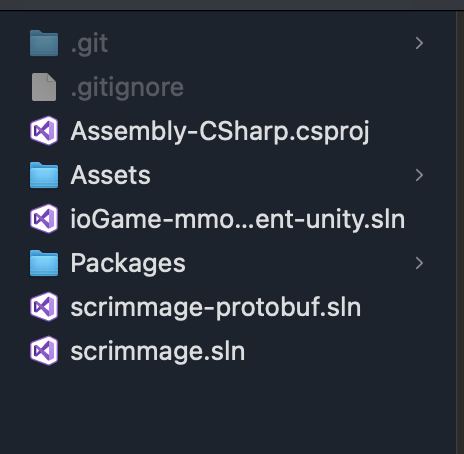
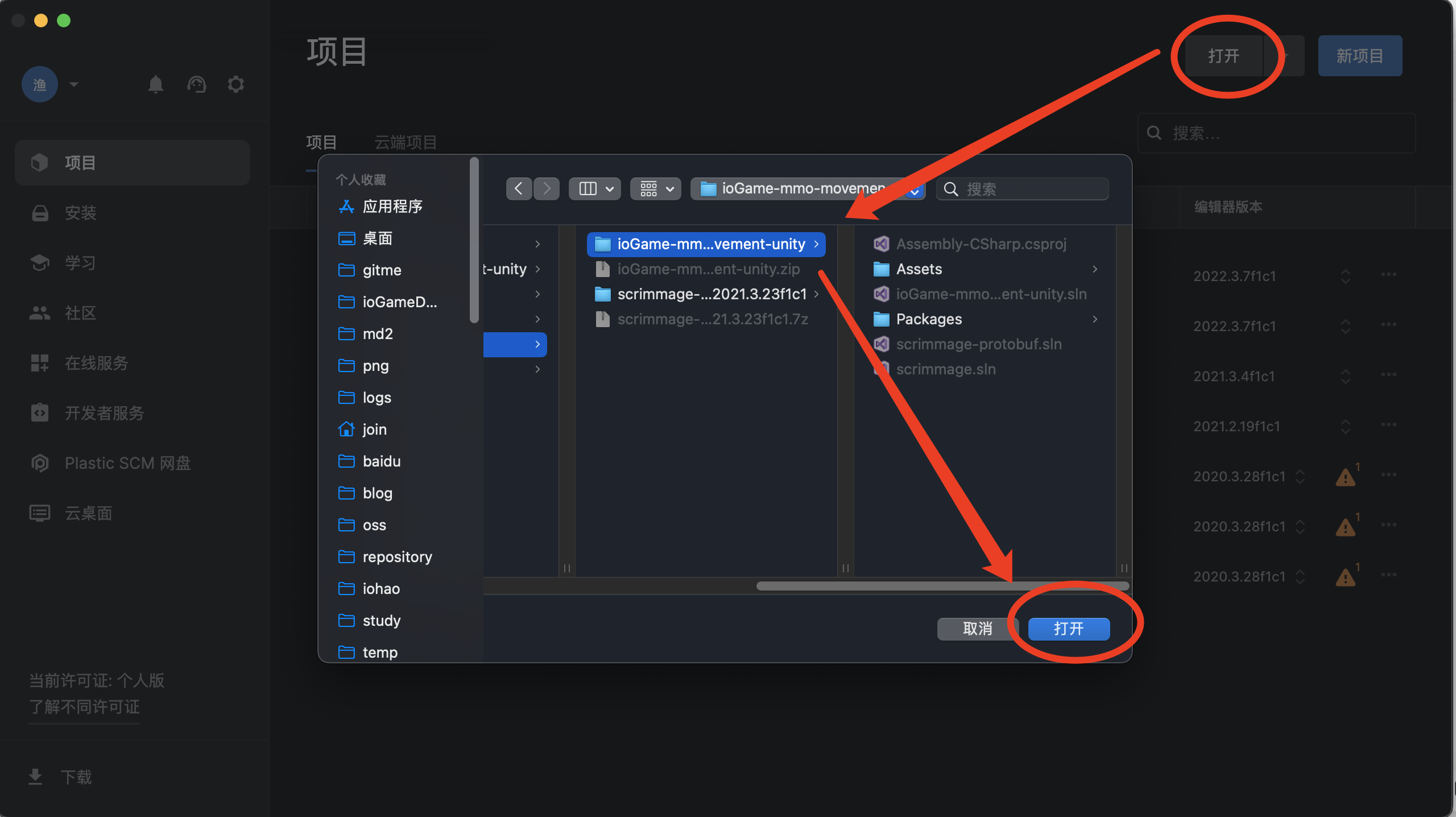
Unity Hub 打开项目
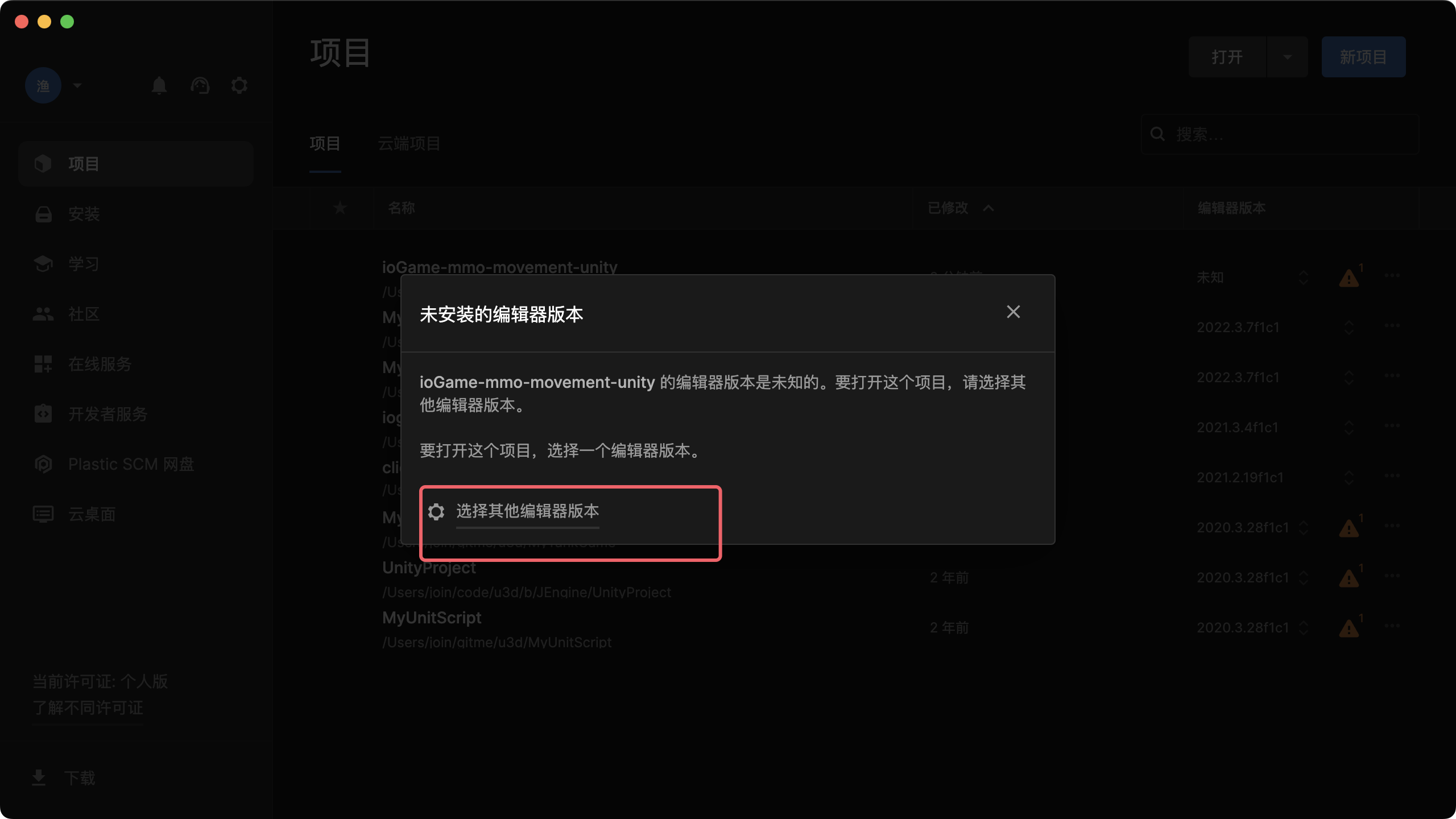
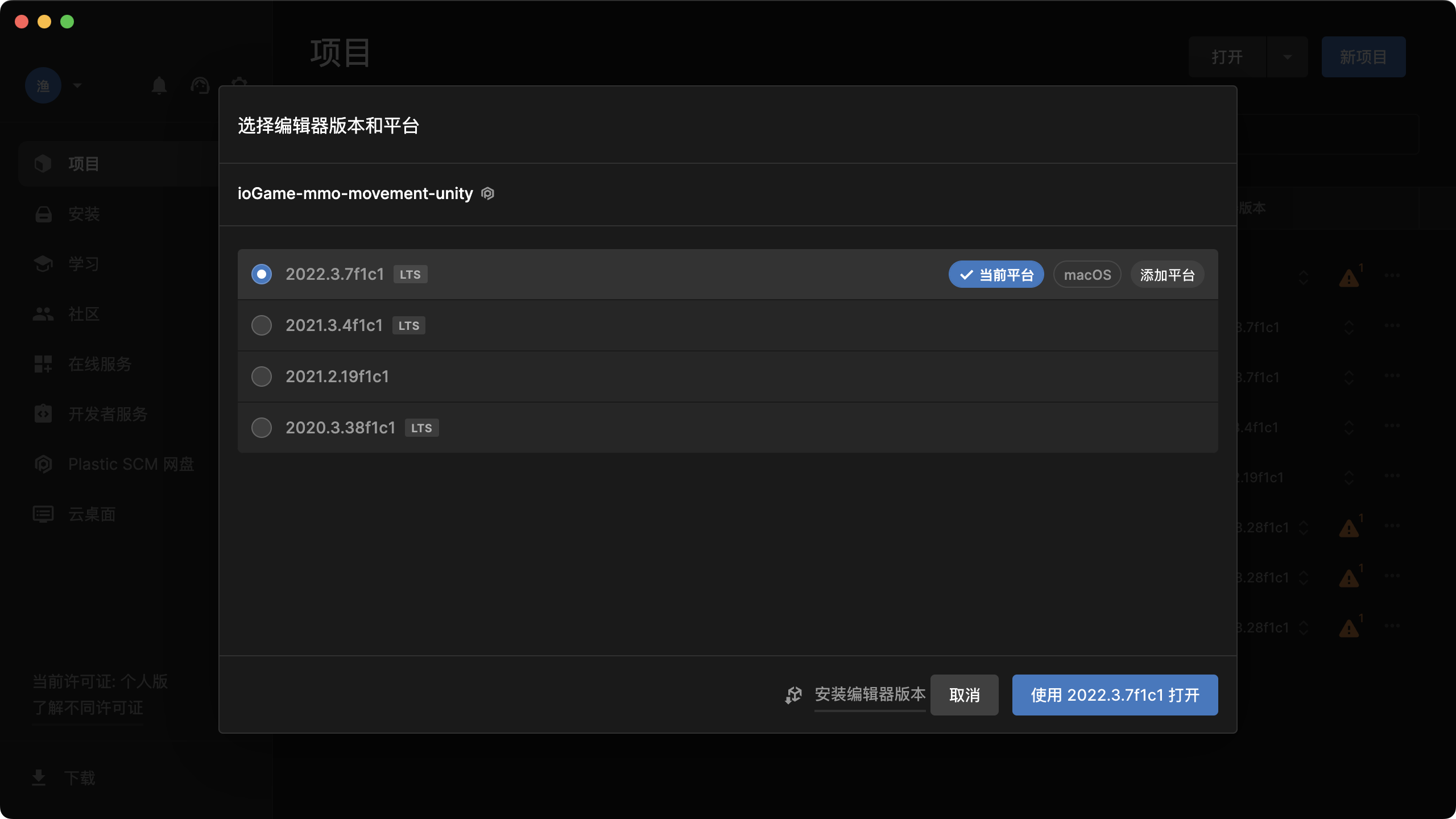
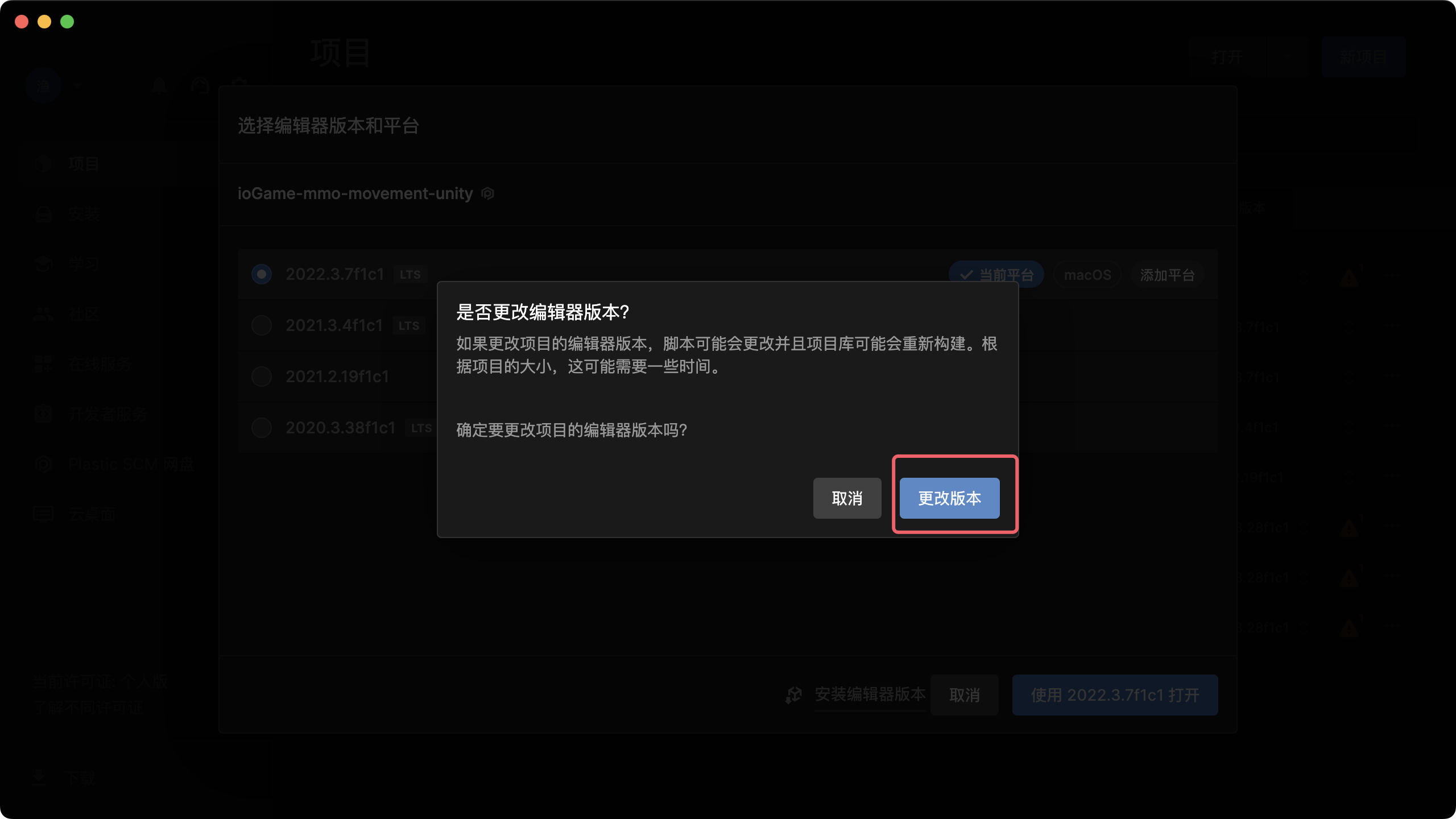
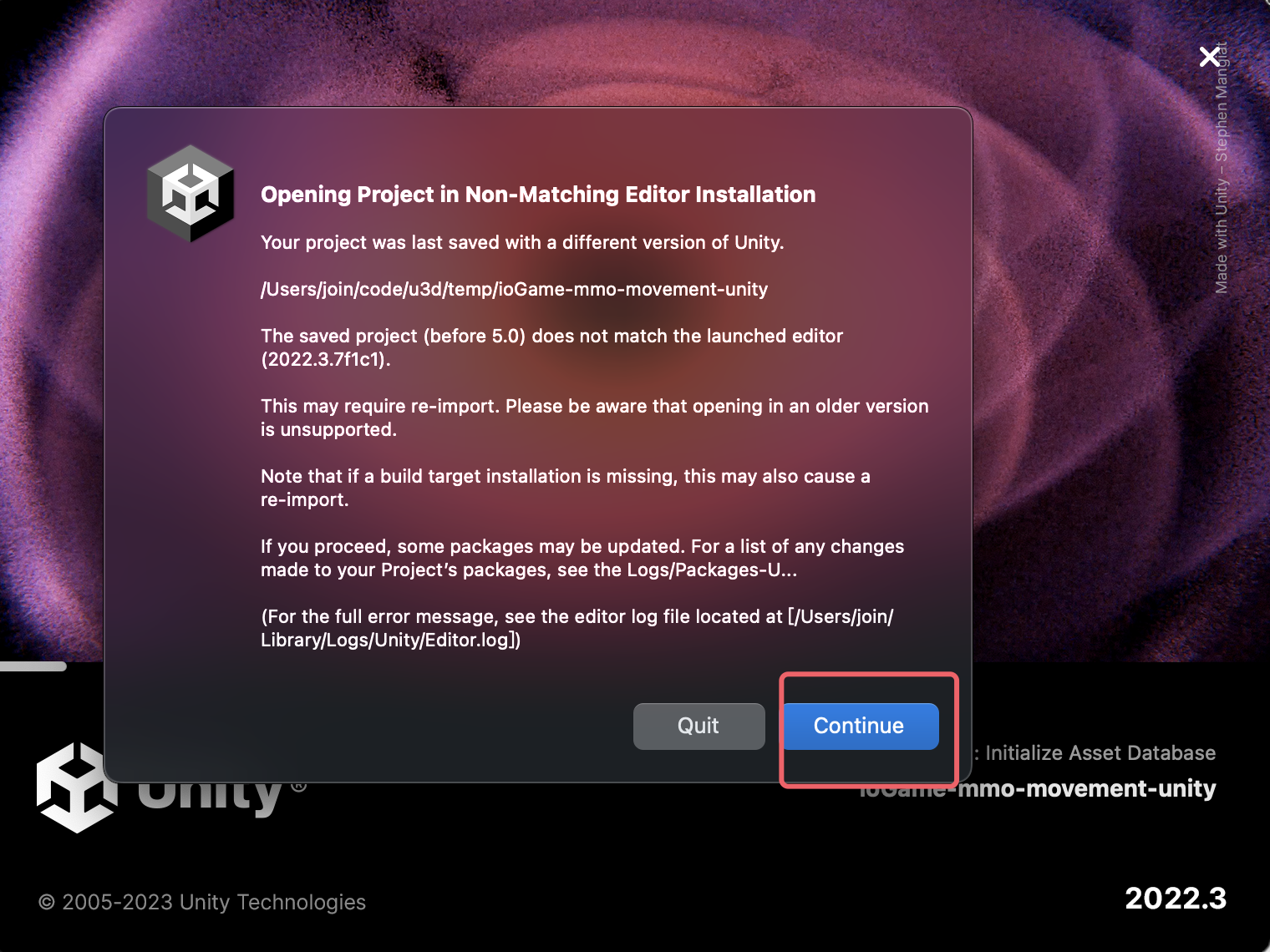
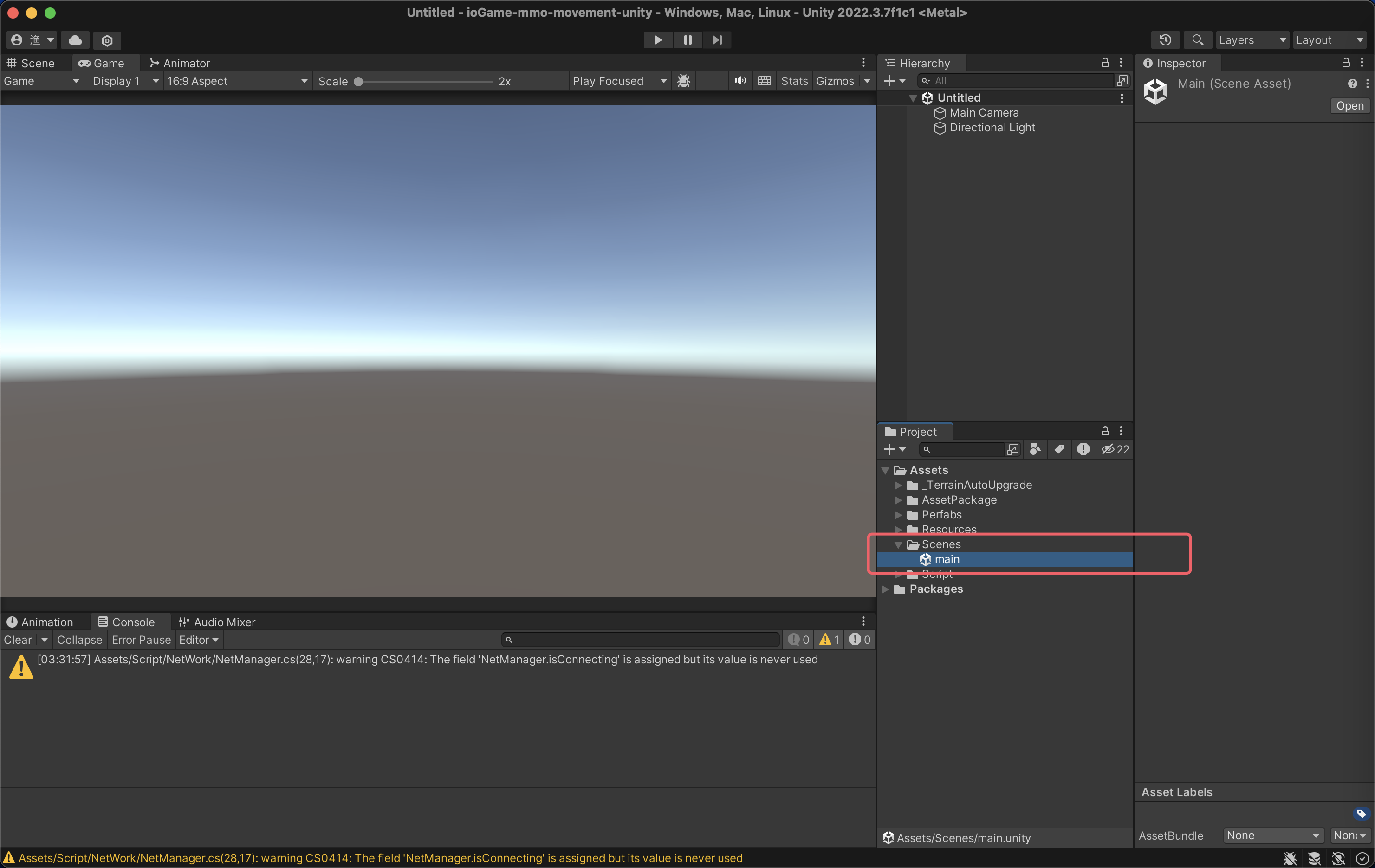
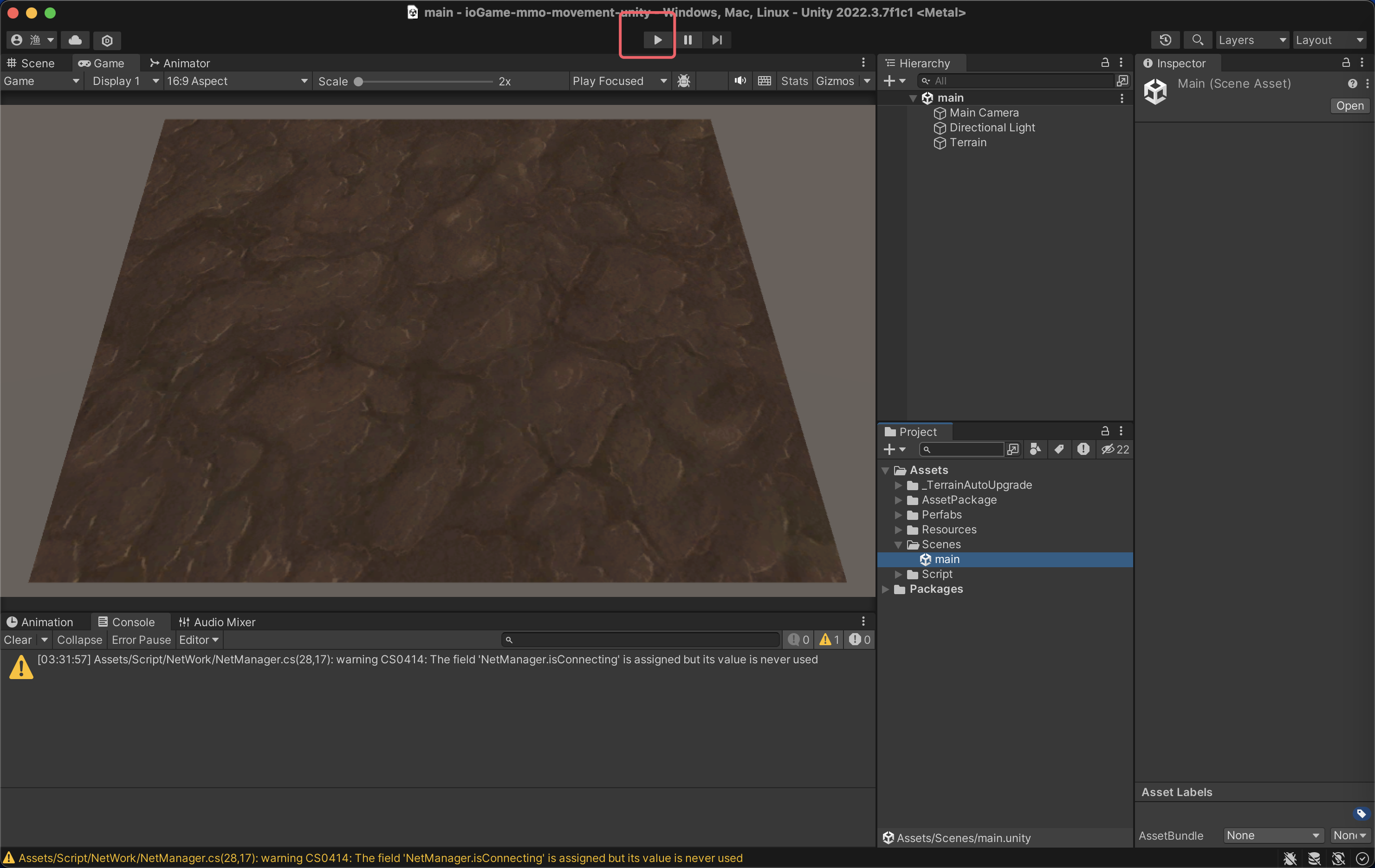
选择 main 场景
启动
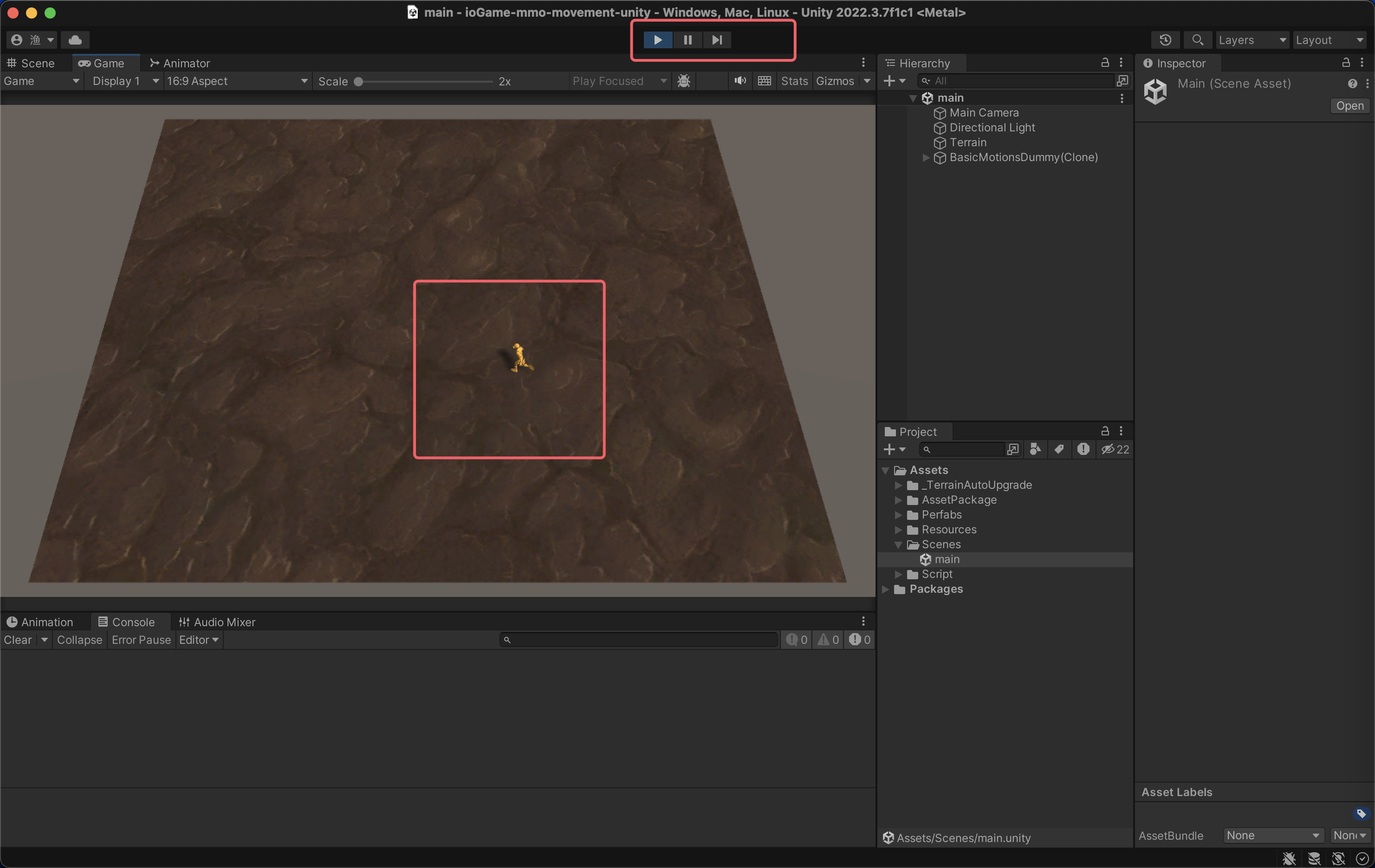
效果
点击后地图,人物就会移动。
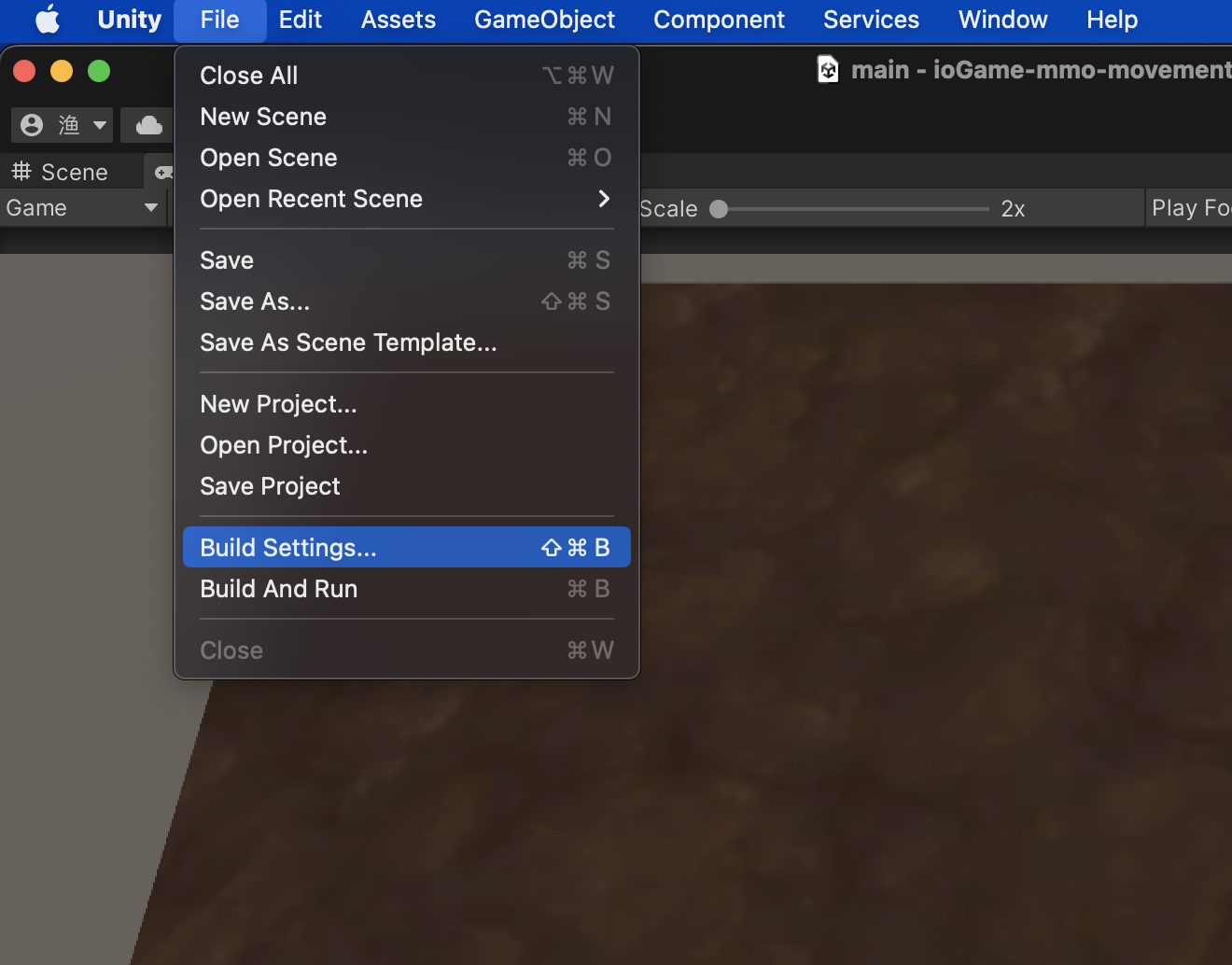
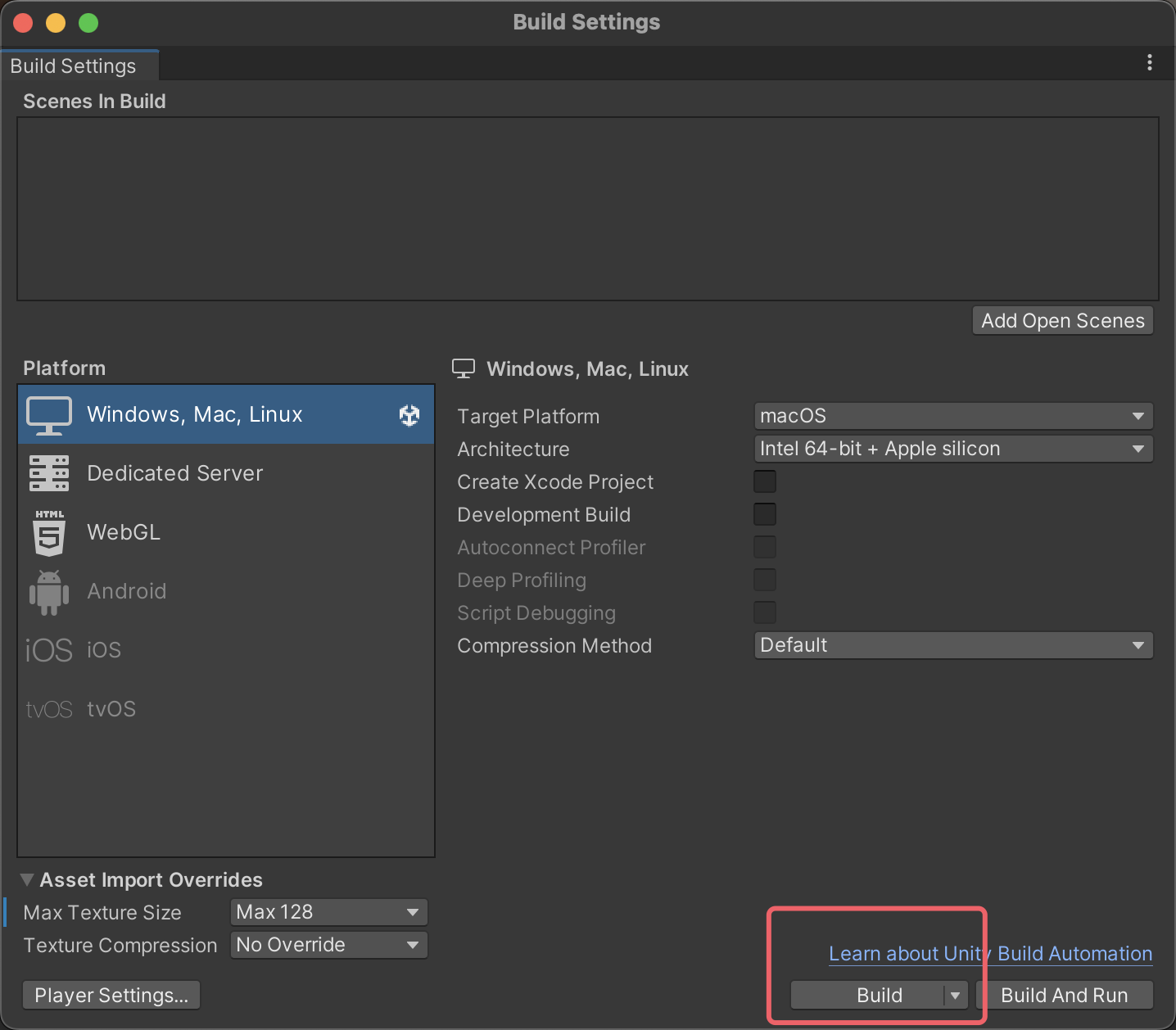
unity 打包
设置
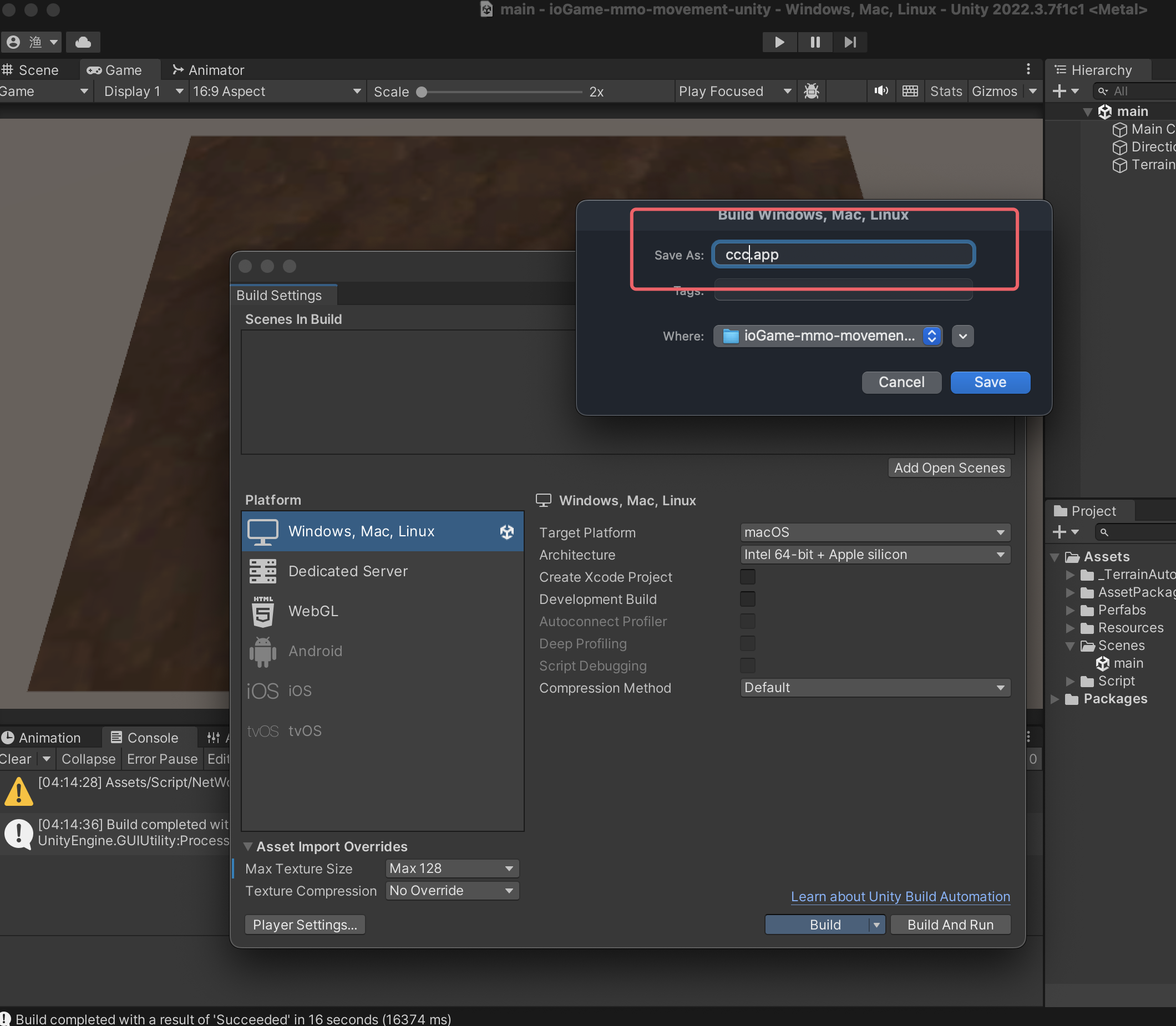
在 unity 工具中,只能运行一个。现在我们将游戏打包,使其可以运行多个。
程序名
输入一个名字
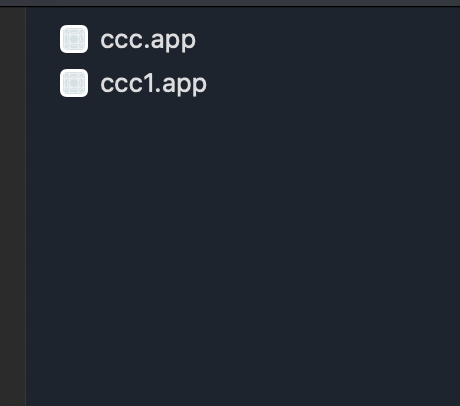
打包后的程序
win 系统下是 ccc.exe,因为同一程序名不能启动两个,所以这里复制一份,并改个名。
启动
分别启动 ccc 和 ccc1