Room Board-Game / Room-Based Practical Demo
Introduction
Now we have built a practical demo based on Room + Domain Events. The overall logic is simple: multiple players play rock-paper-scissors in a room and score points.
This practical demo includes both frontend and backend. The frontend uses the FXGL engine, so learners only need a JDK environment and do not need to install other game-engine environments.
Source Statistics and Feature Overview
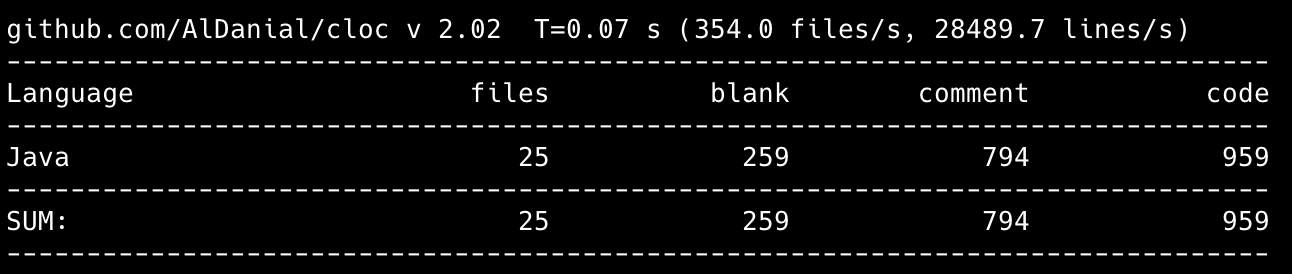
Based on extensions built on the Room module, the following features were completed with only a few hundred lines of code:
- Login
- Player enters the lobby (map)
- Player can move in the lobby
- Players can see each other while moving
- Player leaves the lobby (goes offline)
- Query room list
- Real-time room status change notifications (player count changes, waiting, in-game, etc.)
- Player creates a room
- Player enters a room
- Player exits a room
- Dissolve room
- Player ready
- Start game
- In-room gameplay operations for players
- Plus all kinds of validation, assertion + exception mechanism = clear and concise code
The Room module effectively helps developers avoid repetitive work, and provides clear organization for module structure and development workflow, which reduces long-term maintenance cost. More importantly, with complete documentation, new team members can get started quickly.
Visual Preview
Lobby
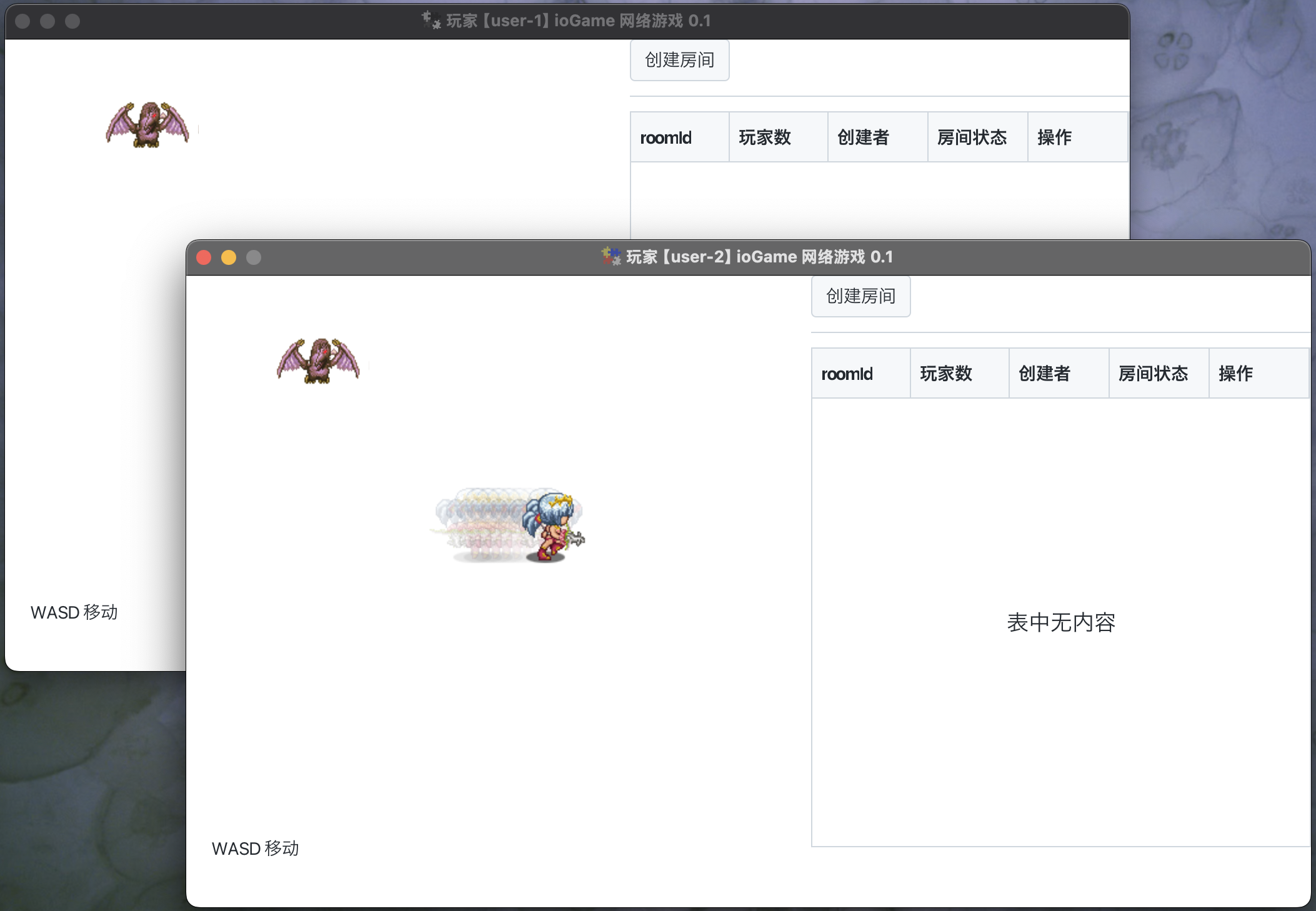
After the game starts, players enter the lobby (similar to a map). Multiple players can see each other and move within the lobby.
Create Room
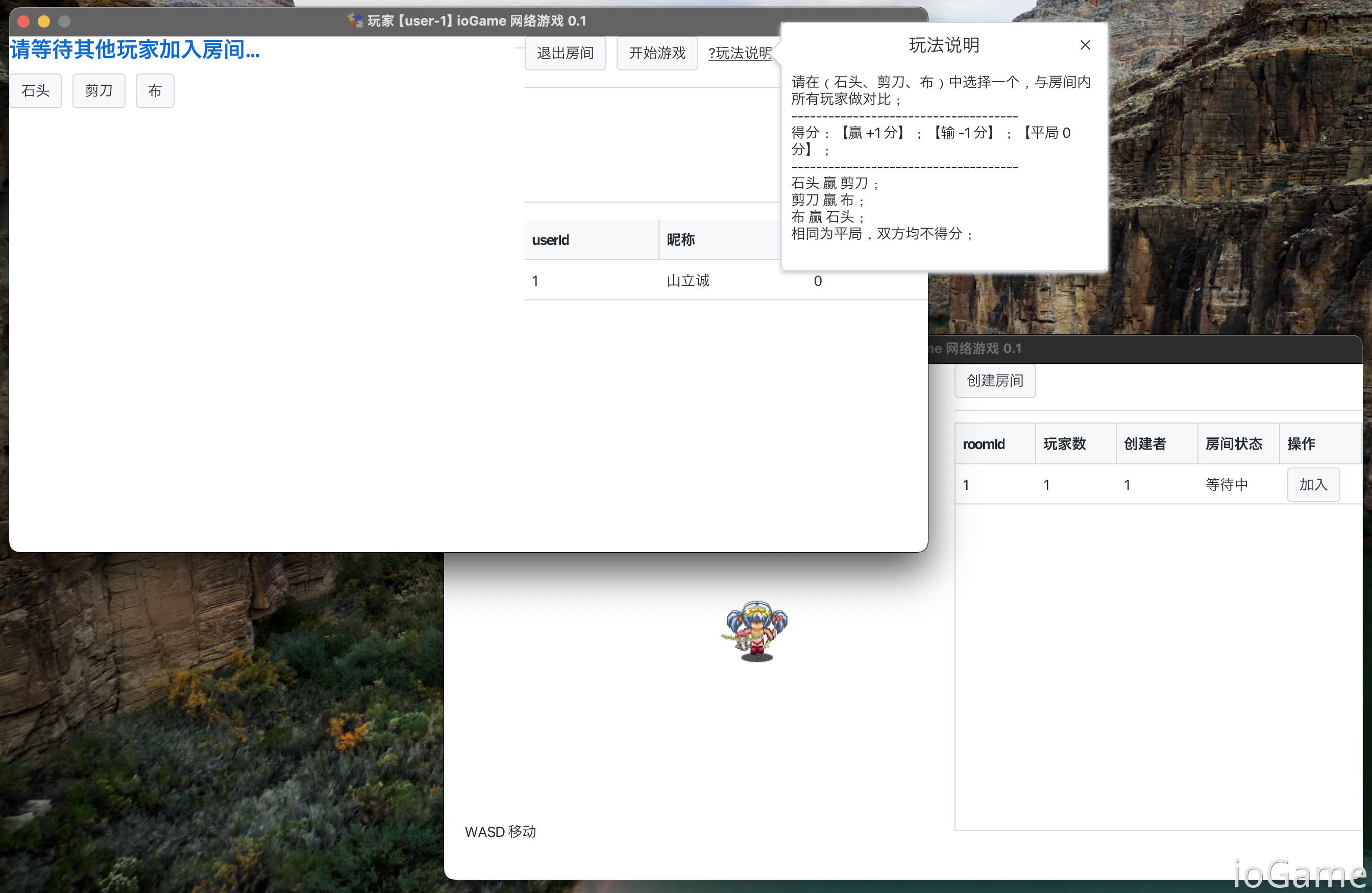
[Player 1] creates a room and joins it.
Players in the lobby can see the current room list in real time. For example, after a game starts, room status changes from waiting to in-game. When player counts in a room change, the room list is also updated in real time.
Players can create a room and wait for others, or join an existing room to play together.
Players in Room
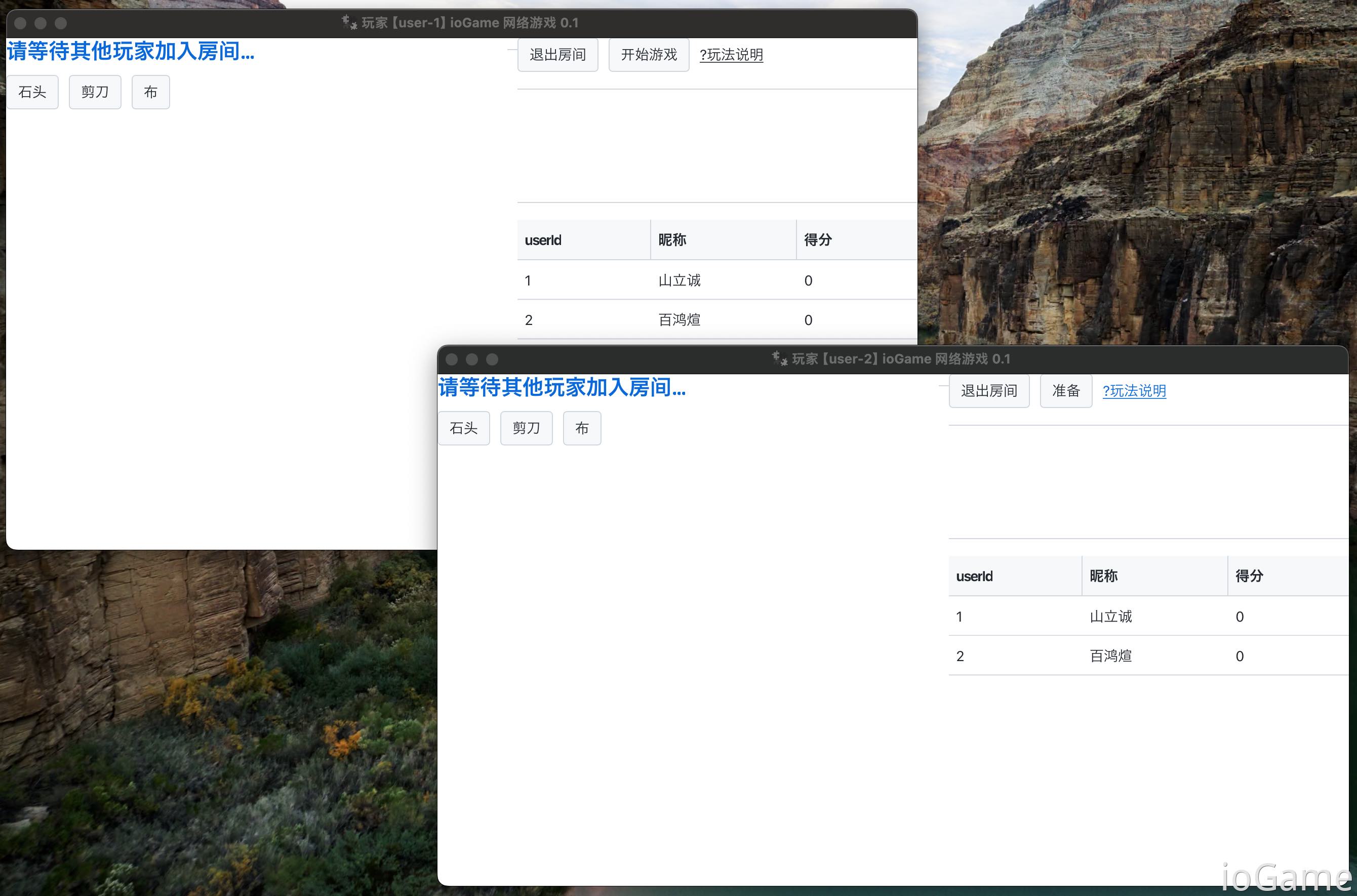
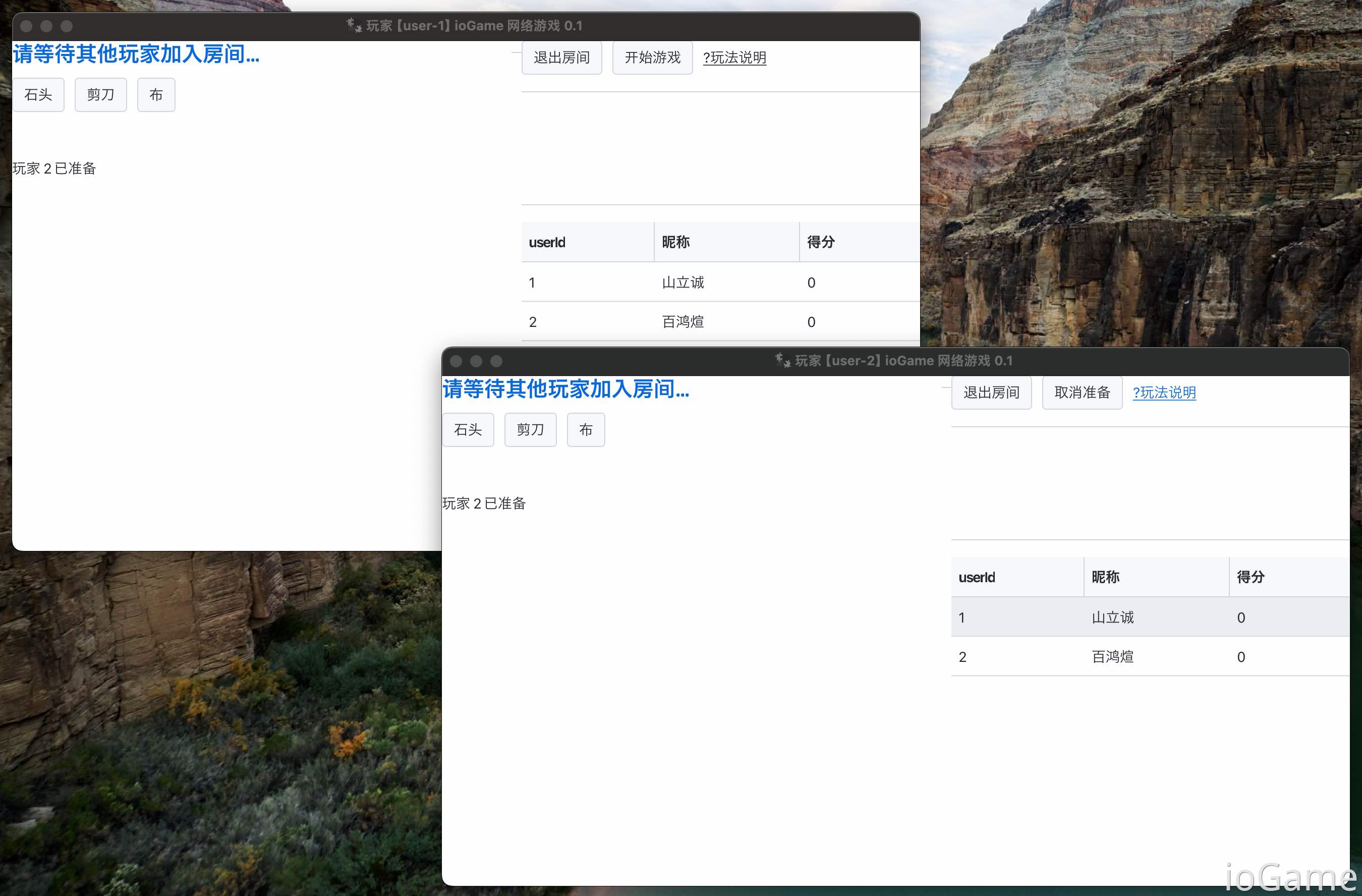
In the figure, two players are in the same room. The room owner can use buttons for "leave room" and "start game"; other players have "leave room" and "ready".
Ready
When a player clicks ready, the button changes to "cancel ready". At the same time, the player's ready status updates to the left panel in real time.
Game Start
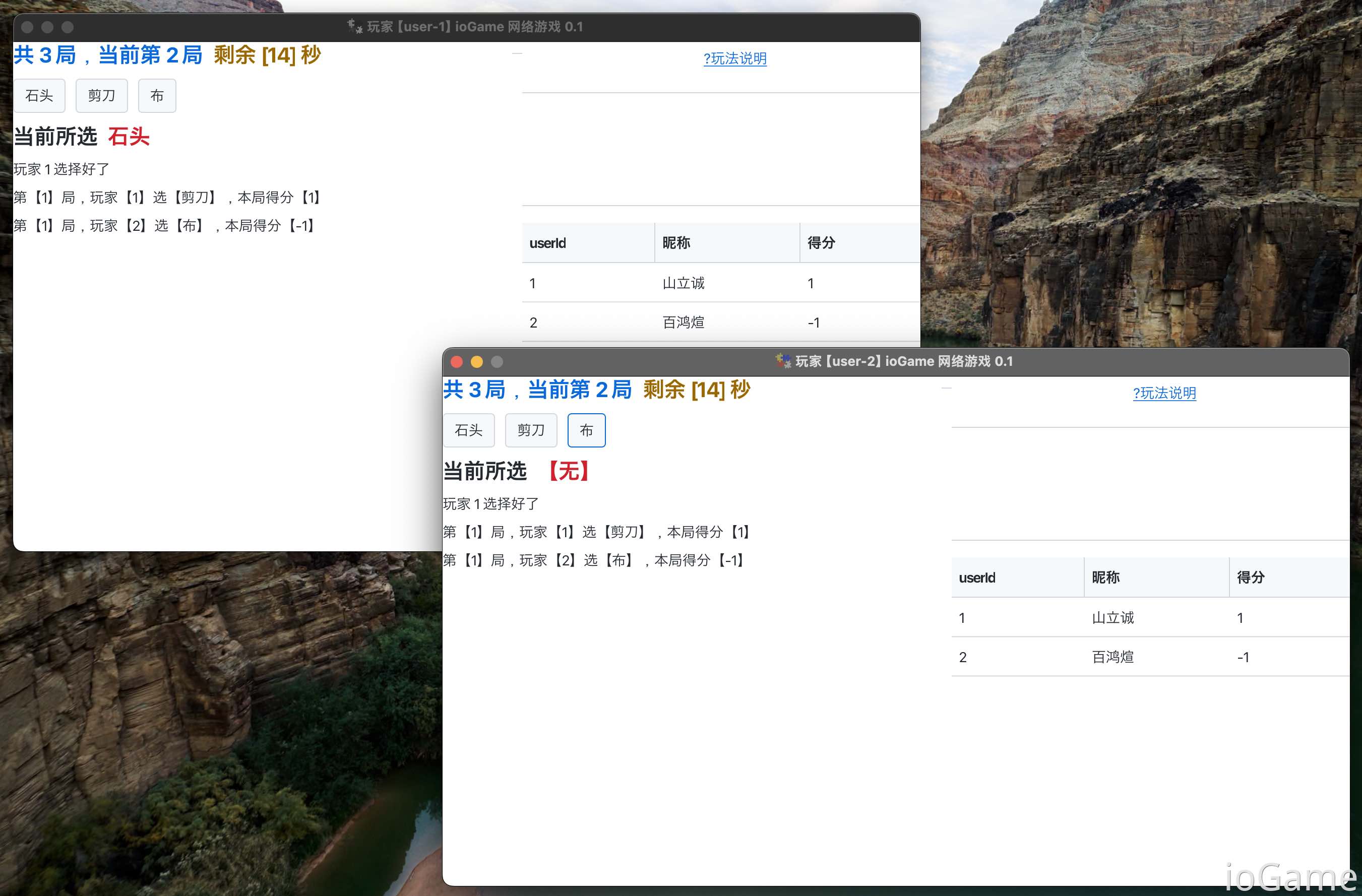
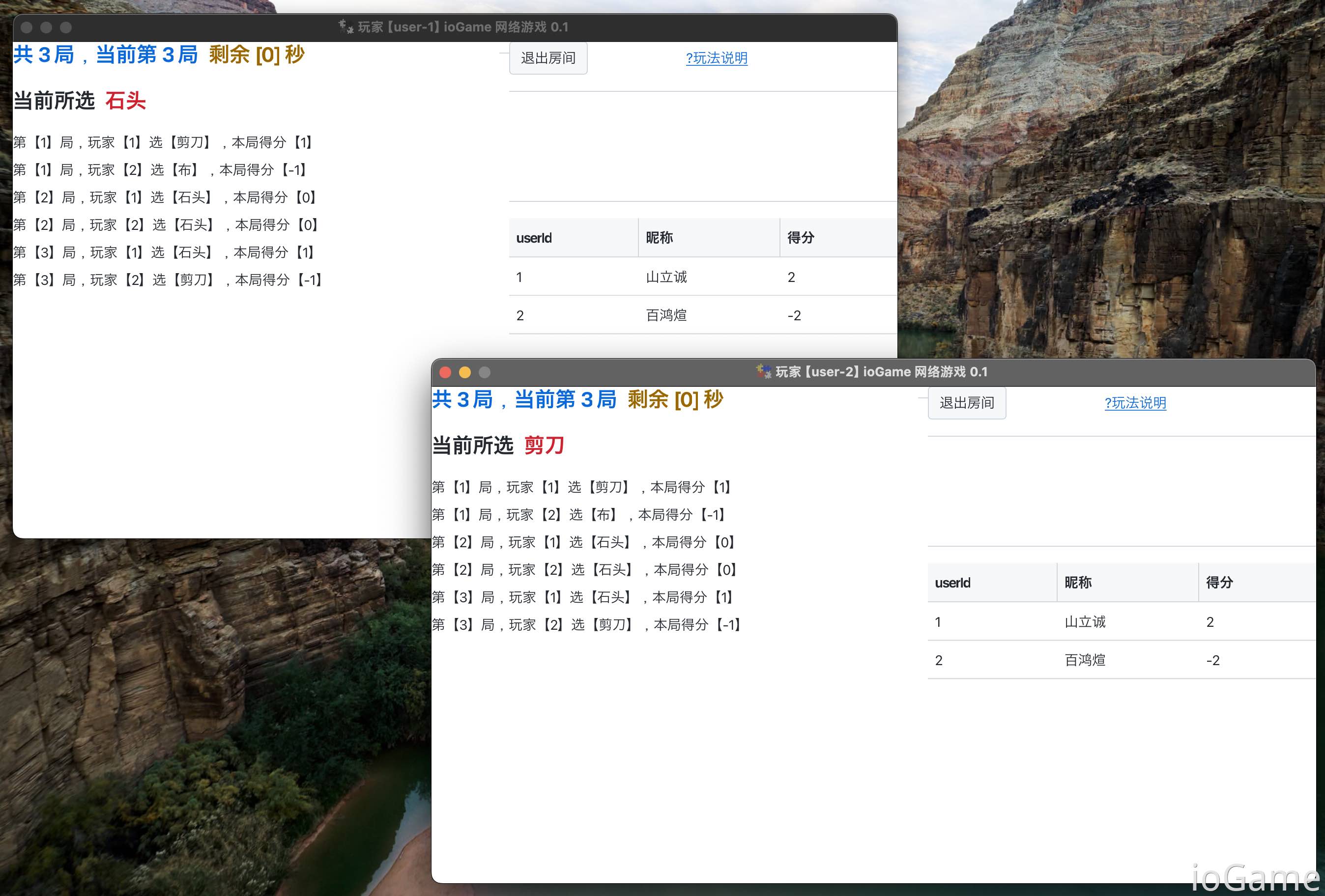
After the game starts, each player can choose rock/paper/scissors, and the selected choice is shown in the left panel. The right side shows the score ranking in the current room, sorted by highest score first.
During gameplay, each round has a time limit for choice input. When countdown ends, round settlement is announced.
If a player makes no choice before countdown ends, the server forces a random choice for that player.
Game End
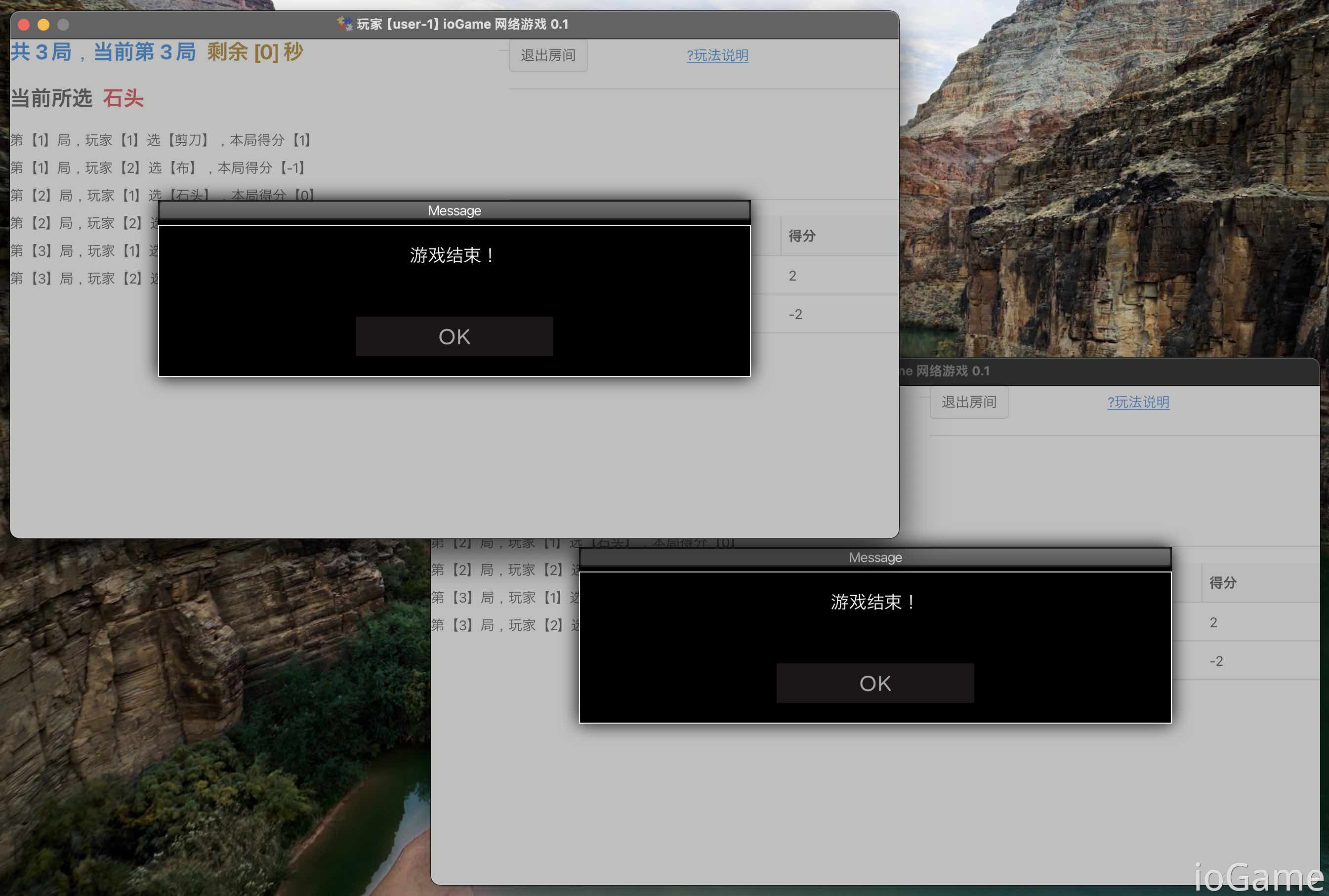
After the game ends, players can leave the room.
Get Source Code
If you meet one of the following conditions, source code can be obtained for free by Email:
- Companies that purchased the enterprise edition.
Standalone Purchase
This practical source code is also available as a standalone purchase for 998 CNY. Validity period: Permanent.
QQ: 262610965
Note: Purchase Room practical demo.
Partial Source Code Display
Gameplay Operation
// Separate validation from business logic
// Broadcast the player's choice (rock/paper/scissors) to other players in the room.
public class ChooseOperationHandler implements OperationHandler {
    @Override
    public void verify(PlayerOperationContext context) {
        // Player operation data
        FightOperationCommand command = context.getCommand();
        int elementIndex = command.elementIndex;
        // Validate whether the player's operation data is valid (rock/paper/scissors)
        GameCode.illegalOperation.assertTrue(FiveElementKit.verify(elementIndex));
    }

    @Override
    public void process(PlayerOperationContext context) {
        FightRoomEntity room = context.getRoom();
        long userId = context.getUserId();

        // Save the player's choice (rock/paper/scissors) to the current round
        var fightRound = room.getCurrentFightRound();
        var item = fightRound.getItemByUserId(userId);

        var command = context.getCommand();
        item.setElementIndex(command.elementIndex);

        // Room broadcast - a player has made a choice
        MyBroadcastKit.operation(userId, room);
    }
}
Operation Extension Configuration
public final class MyOperationRunner implements Runner {
    @Override
    public void onStart(BarSkeleton skeleton) {
        var factory = FightRoomService.me().getOperationFactory();
        // ------ mapping internal operation ------
        // Enter room, ready, quit room, start game
        factory.mapping(InternalOperationEnum.enterRoom, new EnterRoomOperationHandler());
        factory.mapping(InternalOperationEnum.ready, new ReadyOperationHandler());
        factory.mapping(InternalOperationEnum.quitRoom, new QuitRoomOperationHandler());
        factory.mapping(InternalOperationEnum.startGame, new StartGameOperationHandler());

        // ------ mapping user operation ------
        factory.mappingUser(FightOperation.choose, new ChooseOperationHandler());
    }
}