External Server Cache
This section is an extension related to the external server.
This document is not required reading, but it introduces a performance optimization technique and is recommended when you have time.
Introduction
When caching business data, common approaches use professional caching libraries such as Caffeine, cache2k, ehcache, JetCache, and cache data inside logic servers.
External server cache allows some hot business data to be cached directly in the external server. When users access related routes, data is returned directly from external-server memory. This avoids repeatedly requesting logic servers and reduces data serialization (encoding), resulting in major performance gains.
When external-server cache is combined with professional cache libraries, performance can improve further. Hot data can be cached at the external layer, so subsequent accesses no longer need to fetch from logic servers, and can be completed directly at the external-server layer.
External server cache significantly improves performance in several ways:
- Faster response for cached data because the request chain is shorter.
- Direct read at external server, with no request forwarding to logic servers and no business-data serialization.
- Less request forwarding to logic servers, saving system resources.
Features
- Zero learning cost.
- Fast response to user requests.
- Simplifies caching usage. Even without caching those data in logic servers, route cache configured in external server can still achieve caching effect.
- Reduced request forwarding. Cached business data can be handled at external-server layer without passing through logic servers.
- Avoids serialization operations. Route business data is cached as
byte[]in external server, so data read from cache no longer needs serialization (encoding). In simple terms, business objects do not need to be converted intobyte[]repeatedly. - Supports conditional cache (same action with different request parameters).
- Supports route-scope cache configuration.
Comparing Solutions
To help developers better understand the advantages of external-server cache, this section first compares it with two commonly used third-party solutions.
Compared with Hazelcast, Redis, and other third-party solutions
- Redis has extra overhead, such as data serialization/deserialization, compression/decompression, network IO, network fluctuation, and so on. Using external-server cache can effectively avoid these issues, and performance can be hundreds of times that of Redis in suitable scenarios.
- Hazelcast also has additional overhead. Memory usage is almost equal across nodes, regardless of whether all data is useful for each node. If one node uses 1 GB memory, other nodes may also consume similar memory. When data changes, serialization across N nodes and network IO across N nodes are required. For developers unfamiliar with Hazelcast, installation, configuration, and cluster debugging can also be complex and time-consuming.
Using Hazelcast, Redis, and similar third-party solutions - drawbacks
- Requires additional installation (installation cost and machine resource cost).
- After introducing third-party components, you need to learn related APIs (learning cost).
- Requires extra work such as data storage and updates (usage and maintenance cost).
Comparison summary
Most importantly, developers can use external-server cache with minimal awareness (zero learning cost).
| External Cache | Hazelcast | Redis | Description | |
|---|---|---|---|---|
| High performance | ✅ | ✅ | ❌ | Both can be hundreds of times faster than Redis |
| Zero installation cost | ✅ | ❌ | ❌ | |
| Zero learning cost | ✅ | ❌ | ❌ | |
| Zero usage cost | ✅ | ❌ | ❌ | |
| Zero maintenance cost | ✅ | ❌ | ❌ | |
| Memory usage | On demand | Equalized across nodes | Load all in memory | |
| Serialization count | 0 | 0 | N | Per cache access |
| Network IO count | 0 | 0 | N | Per cache access |
Usage Scenarios
Example scenarios
- Configuration data, such as equipment config, item config, etc.
- Leaderboards with low timeliness requirements, for example accepting sync delay every 1/5/10/N minutes, and with small data volume (hundreds of records).
- More examples will be added later.
Suitable scenarios for external-server cache
- Hot data.
- Frequently requested data with low change frequency.
You can treat the external server as an alternative "Nginx/OpenResty"-like layer, which can serve pre-shielding and feature-extension responsibilities in the overall architecture.
External-server cache is not intended to replace Hazelcast/Redis. It has stronger advantages in specific business scenarios.
Cache Processing Flowchart
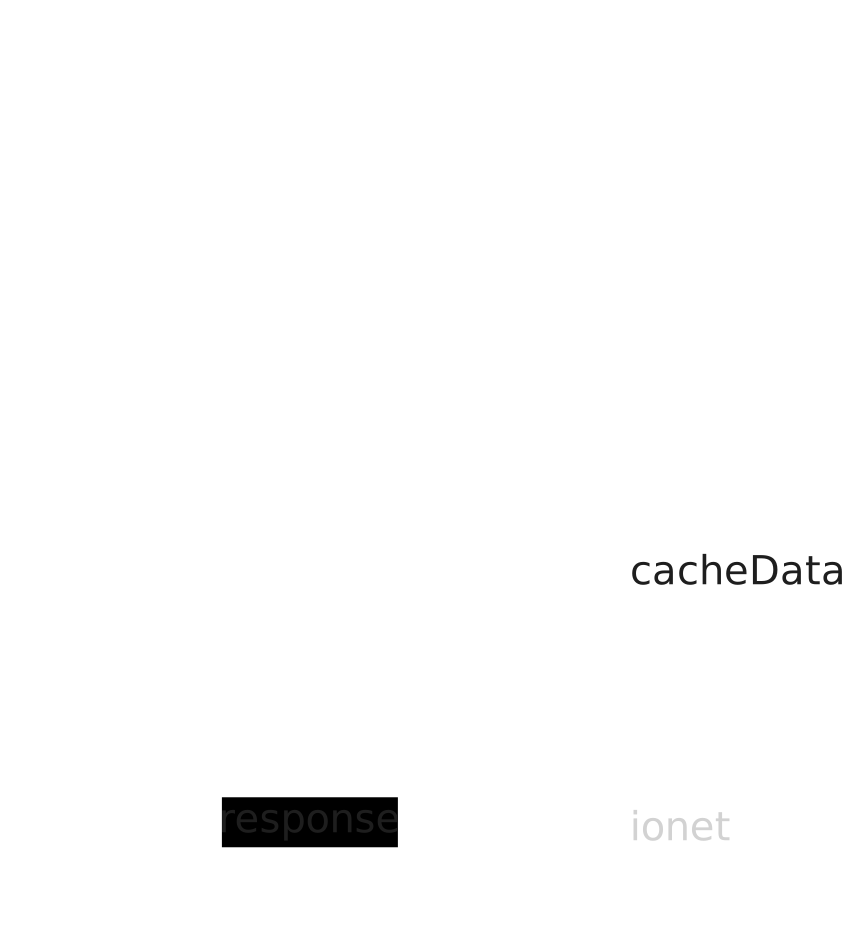
Flowchart explanation
- Player: user.
- ExternalServer: external server.
- request: user request.
- response: response from external server.
- cacheData: cached data. If matching cache exists, response is returned from cache; otherwise data is fetched from logic server.
How to Use
Using external-server cache is similar to route access permission control. If you already know that section, you can get started in minutes.
- code 3: configure cache for route
3-1.
PresentKit.ifPresent(ExternalGlobalConfig.externalCmdCache, externalCmdCache -> {
    // cache config
    externalCmdCache.addCmd(3, 1);
});
When user requests 3-1, if cached data exists in external server, response is returned directly at external layer.
If cache is not found, request is forwarded to logic server for processing.
After processing, logic server returns result to external server and stores result into cache.
When another user requests 3-1 later, result can be returned from cache for fast response.
More Configurations
CmdCacheOption
CmdCacheOption is the cache configuration object for external server and enables finer control.
- code 3: cache expiration 1 hour.
- code 4: expiration check interval 5 minutes.
- code 5: cache limit per action set to 256 entries.
CmdCacheOption createCmdCacheOption() {
    return CmdCacheOption.builder()
            .setExpireTime(Duration.ofHours(1))
            .setExpireCheckTime(Duration.ofMinutes(5))
            .setCacheLimit(256)
            .build();
}
Even without explicit configuration, these are also the framework defaults. This section only demonstrates how to create cache options.
Configuring Different CmdCacheOption
- code 4~5: create and set default cache option; subsequent added route caches use this default.
- code 6: add route cache
22-1, using default option. - code 8~14: create a new cache option object and apply it to routes
22-2and22-3. (these routes will useoptionCustom, not the default option)
...
void extractedExternalCache() {
    PresentKit.ifPresent(ExternalGlobalConfig.externalCmdCache, externalCmdCache -> {
        var defaultOption = createCmdCacheOption()
        externalCmdCache.setCmdCacheOption(defaultOption);
        externalCmdCache.addCmd(22, 1);

        var optionCustom = CmdCacheOption.builder()
                .setExpireTime(Duration.ofSeconds(30))
                .setExpireCheckTime(Duration.ofSeconds(5))
                .build();

        externalCmdCache.addCmd(22, 2, optionCustom);
        externalCmdCache.addCmd(22, 3, optionCustom);
    });
}

CmdCacheOption createCmdCacheOption() {
    return CmdCacheOption.builder()
            .setExpireTime(Duration.ofHours(2))
            .setExpireCheckTime(Duration.ofMinutes(10))
            .setCacheLimit(128)
            .build();
}
Route Scope Cache Configuration
Here, we add main route 2, so external server caches data for all sub-routes under main route 2.
With route-scope caching, you avoid configuring each route individually.
For example, for sub-routes 2-1, 2-2, 2-N, cache still works even if those sub-routes are not configured separately.
Sub-routes use the same cache option as the main route.
PresentKit.ifPresent(ExternalGlobalConfig.externalCmdCache, externalCmdCache -> {
    externalCmdCache.addCmd(2);
});
Enterprise Features
This is an enterprise-level feature.