--- Logic Server Introduction ---
Lock-free asynchronous and event-driven architecture; truly lightweight. You can build a distributed network communication server without any third-party middleware.
Built-in load balancing, distributed support, and dynamic machine scale-out/scale-in.
| Name | Scaling Mode | Responsibility |
|---|---|---|
| ExternalServer | Distributed | Responsible for user connections and interaction |
| LogicServer | Distributed | Responsible for specific business logic processing |
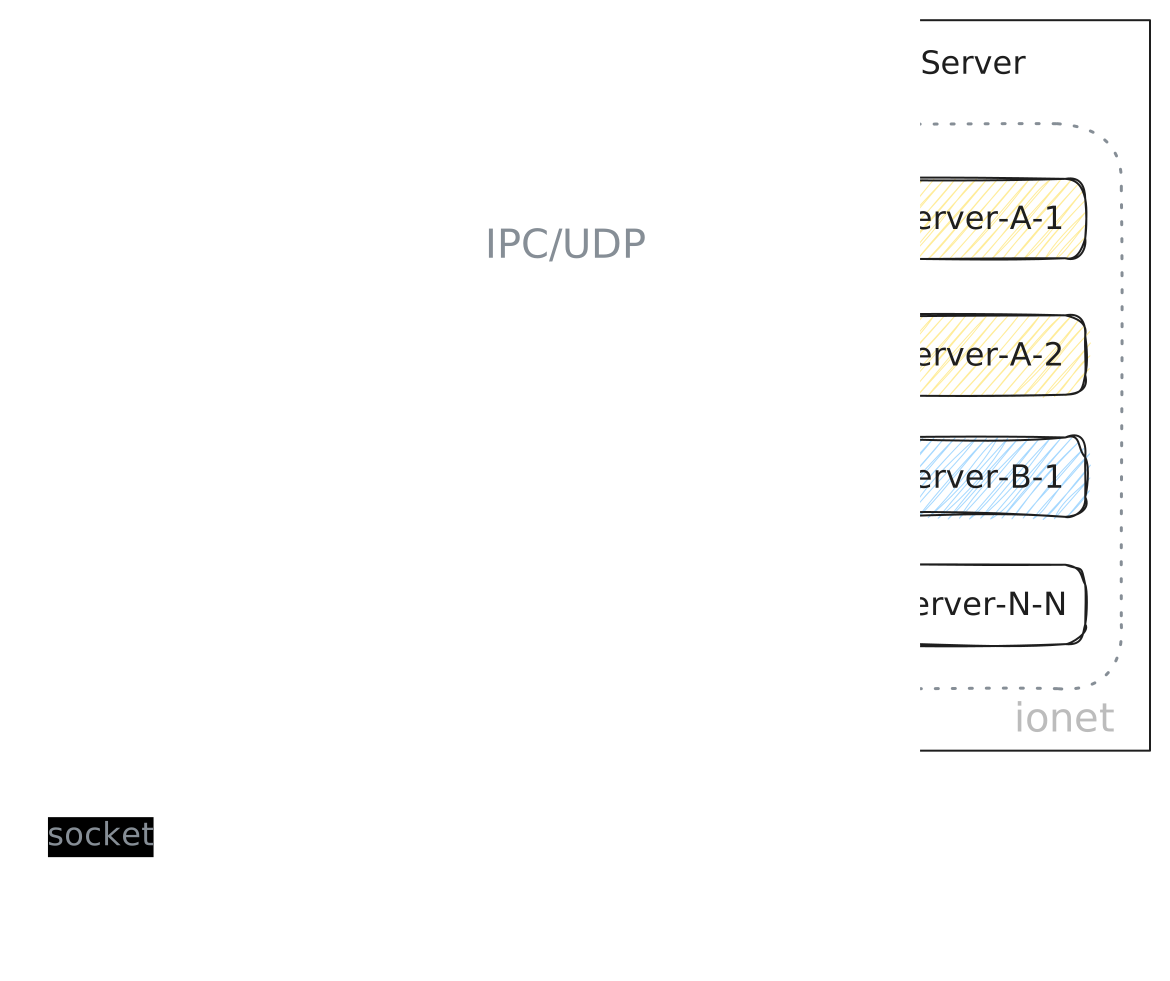
From this architecture overview, we know the overall architecture consists of external services and logic services. They can run independently or be integrated together.
In the architecture diagram, logic server is the right-side part, LogicServer.
Introduction
The responsibility of the logic server is to handle concrete business logic, i.e., the actions we write.
How to Install
If you are trying the framework for the first time or want a quick overview, add the following to pom.xml. run-one already includes both external and logic servers.
<dependency>
    <groupId>com.iohao.net</groupId>
    <artifactId>run-one</artifactId>
    <version>${ionet.version}</version>
</dependency>
In real development, it is recommended to create a separate module for logic server and add this dependency in pom.xml:
see https://central.sonatype.com/artifact/com.iohao.net/net-logic-server
<dependency>
    <groupId>com.iohao.net</groupId>
    <artifactId>net-logic-server</artifactId>
    <version>${ionet.version}</version>
</dependency>
Create Logic Server
A Logic Server needs to implement the LogicServer interface.
Two methods must be implemented:
settingBarSkeletonBuilder: configure the business framework for the current logic server.settingServerBuilder: configure metadata for the current logic server.
- code 5: scan the package where action classes are located. The framework scans all classes under the current package and sub-packages. No matter how many action classes you have, configuring any one class from that package is enough.
- code 7: add the console output plugin.
- code 12: set the logic server name.
public class DemoLogicServer implements LogicServer {
    @Override
    public void settingBarSkeletonBuilder(BarSkeletonBuilder builder) {
        // Scan the package where the action classes are located
        builder.scanActionPackage(DemoAction.class);
        // Add console output plugin
        builder.addInOut(new DebugInOut());
    }

    @Override
    public void settingServerBuilder(ServerBuilder builder) {
        builder.setName("DemoLogicServer");
    }
}
startupSuccess
After logic server starts successfully, startupSuccess is executed. Developers can override it as needed, for example:
- Save reference of business framework.
- Save reference of EventBus.
- ...
public class DemoLogicServer implements LogicServer {
    ...
    @Override
    public void startupSuccess(BarSkeleton barSkeleton) { {
        // Server server = barSkeleton.server;
        // EventBus eventBus = barSkeleton.eventBus;
    }
}
Startup
- code 5: set logic server list.
- code 10: create logic servers to start.
final class TestOneApplication {
    static void main() {
        new RunOne()
                ...
                .setLogicServerList(listLogic())
                .startup();
    }

    static List<LogicServer> listLogic() {
        return List.of(new DemoLogicServer());
    }
}
Summary
Business logic in logic server is handled by business framework, so we mainly focus on settingBarSkeletonBuilder.