SDK, TypeScript
Introduction
TypeScript SDK is suitable for TypeScript projects, such as CocosCreator, Laya, Vue, and React.
TypeScript SDK provides a simple wrapper for interacting with the server, using the Protobuf data protocol internally. Combined with code generation, it avoids writing a large amount of template code, thereby significantly reducing workload for client developers.
Installation
see https://www.npmjs.com/package/iohao-sdk
npm i iohao-sdk
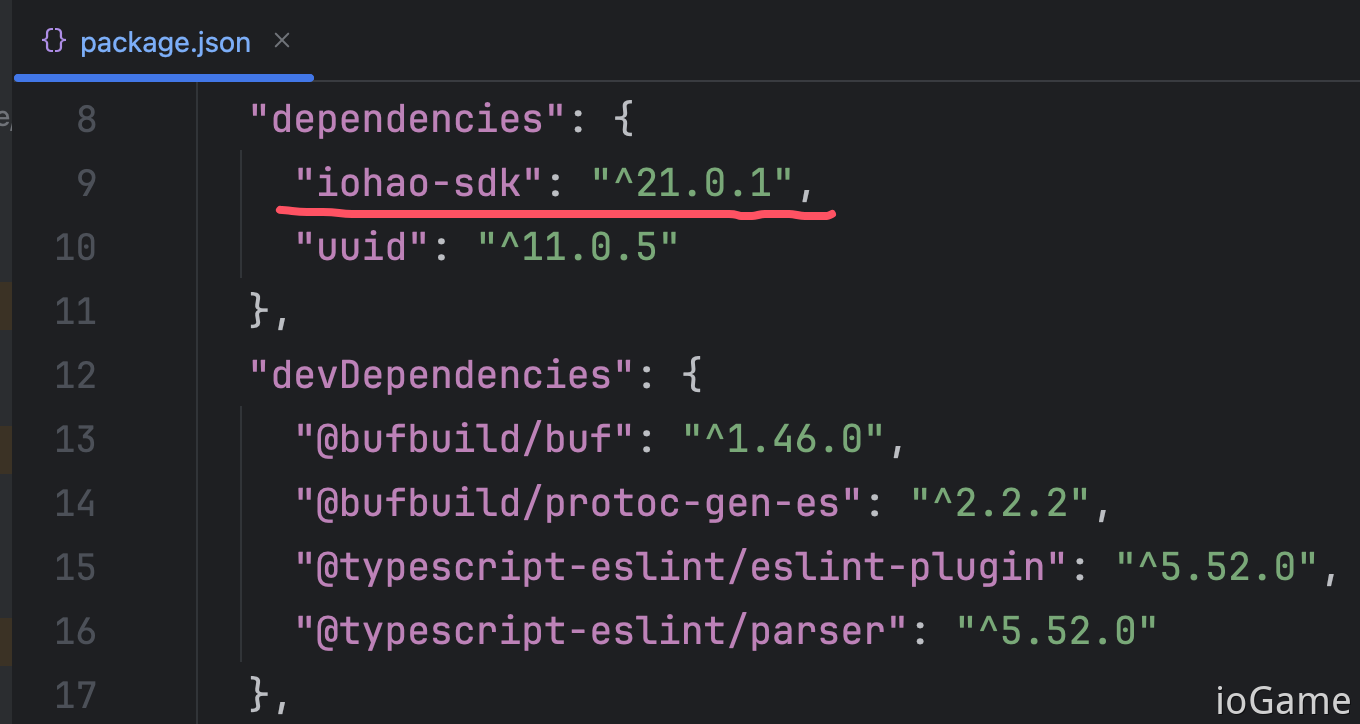
package.json
package.json after installation
SDK Setup
export class YourNetConfig {
    static startNet() {
        // --------- IoGameSetting ---------
        ioGameSetting.enableDevMode = true;
        // China or Us
        ioGameSetting.language = ioGameLanguage.CHINA;
        // message callback. cn: 回调监听
        ioGameSetting.listenMessageCallback = new YourListenMessageCallback();

        // socket
        ioGameSetting.url = "ws://127.0.0.1:10100/websocket";
        ioGameSetting.netChannel = new YourNetChannel();

        ioGameSetting.startNet()
    }
}
How to Generate .proto
see https://github.com/bufbuild/protobuf-es/blob/main/MANUAL.md#how-to-generate-code
Or read the
.protogeneration section in related example documentation.
Handle Error Codes
The following demonstrates error handling for two coding styles: callback and async/await.
SdkAction is generated by the framework.
export async function onTestError() {
    console.log("------- onTestError -------");

    const value = ...;

    // code style: callback.
    SdkAction.ofTestError(value, result => {
        result.log(result.getInt());
    }).onError(result => {
        result.log(result.getErrorInfo());
    });

    // code style: async await.
    const result = await SdkAction.ofAwaitTestError(value);
    if (result.success()) {
        result.log(result.getInt());
    } else {
        result.log(result.getErrorInfo());
    }
}